Why Orientation Matters
The orientation of a 3D model in the build volume significantly affects print quality, strength, material usage, and print time. Poor orientation can lead to excessive support structures, weak layer bonds, or poor surface finish.
The Key Rules
1. Minimize Overhangs
FDM printers can handle overhangs up to approximately 45° without support material. Orient the model to create as few overhangs as possible:
- Under 45°: No support needed
- 45–60°: Quality loss possible, support recommended
- Over 60°: Support structure required
2. Reduce Support Structures
Less support means less material consumption, shorter print times, and better surfaces:
- Rotate the model to minimize overhanging surfaces
- Use flat sides as the contact surface on the print bed
- Keep in mind: support contact points leave marks on the surface
3. Consider Layer Direction and Strength
FDM parts are anisotropic — the layer bond (Z-direction) is the weakest axis:
- Loads should preferably act in the print plane (X/Y)
- Avoid tensile forces perpendicular to the layer direction
- Print functional surfaces in the Z-direction for better dimensional accuracy
4. Optimize the First Layer
First layer adhesion determines print success:
- Ensure maximum contact area with the print bed
- Choose flat, even surfaces as the base
- Use brim or raft for small contact areas
5. Control Surface Quality
Orient visible surfaces upward or vertically:
- Vertical surfaces: Smoothest finish
- Top surfaces: Good quality, slight patterns possible
- Bottom surfaces (on support): Roughest finish
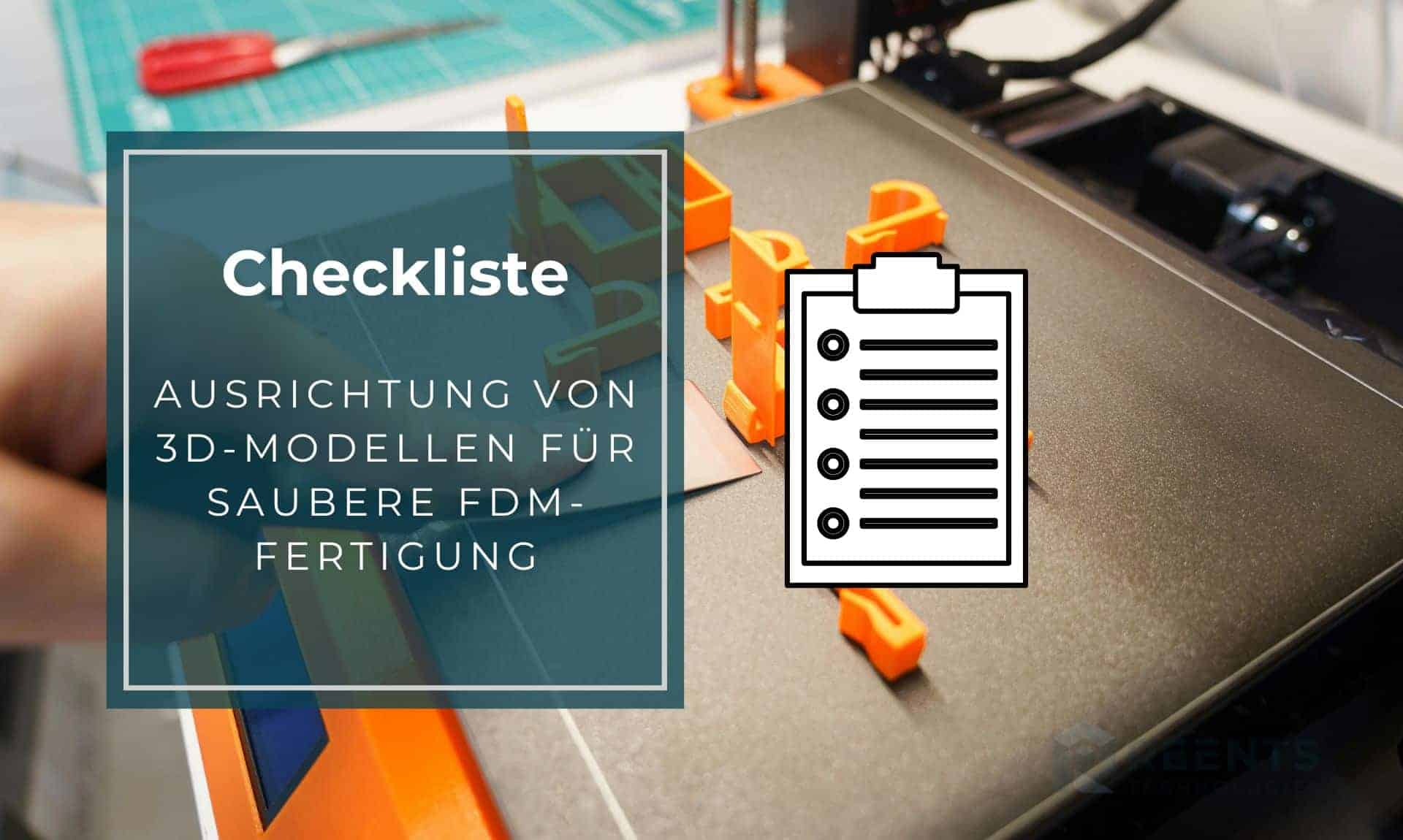
Quick Checklist
| Checkpoint | Done? |
|---|---|
| Overhangs kept under 45° | [ ] |
| Support structures minimized | [ ] |
| Load direction considered | [ ] |
| Large contact area on the bed | [ ] |
| Visible surfaces optimally oriented | [ ] |
| Print time and material usage checked | [ ] |
| Z-direction tolerances accounted for | [ ] |
Common Mistakes
- Model placed on its tip: Maximum support needed and unstable print
- Functional surface on support: Rough finish exactly where precision is needed
- Tensile load in Z: Part delaminates under stress
- Contact area too small: Part detaches from the bed during printing
Conclusion
Thoughtful part orientation saves material, time, and post-processing. Take a few minutes before every print to optimize the orientation in your slicer — the result will be significantly better.