What Does CAD Mean?
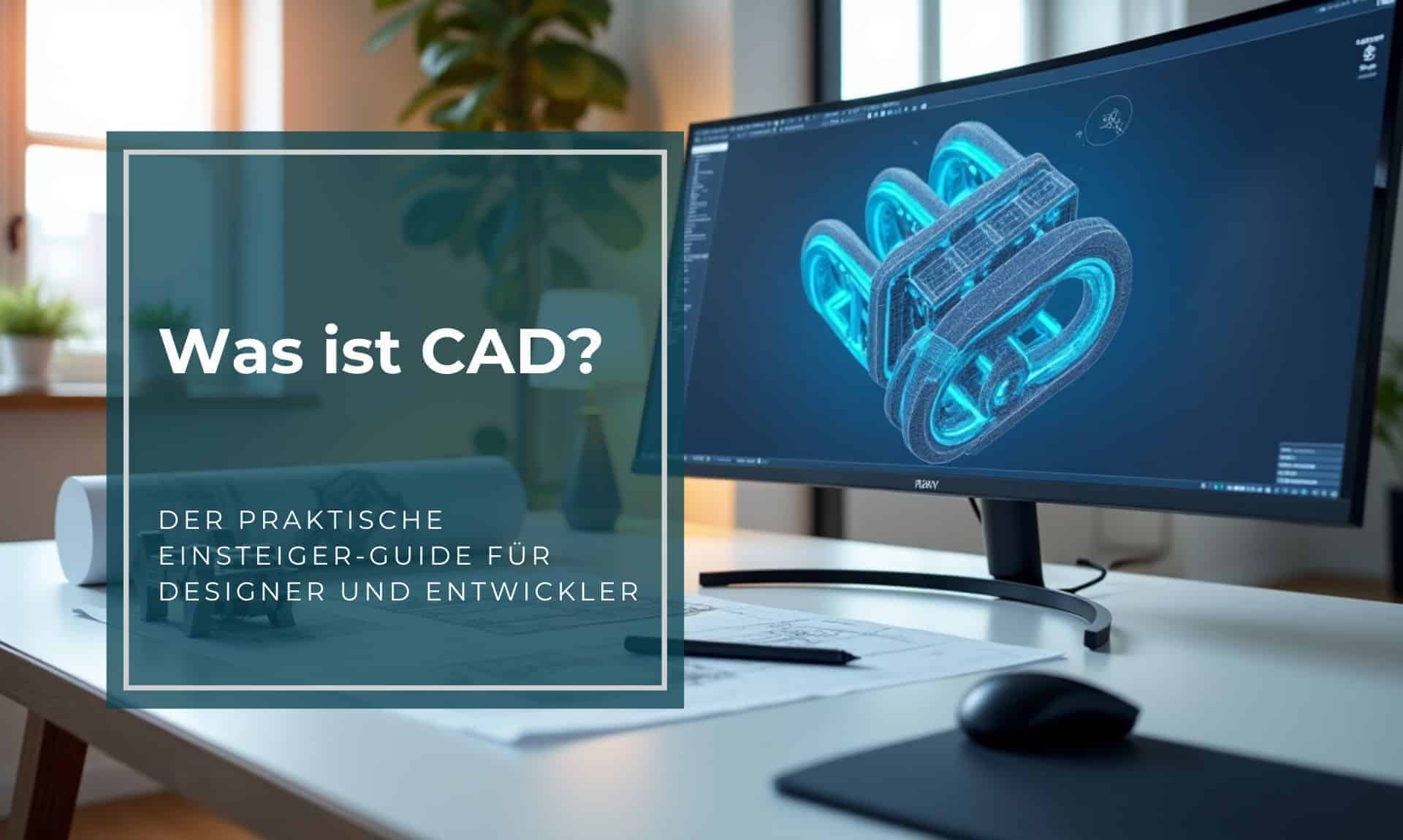
CAD stands for Computer-Aided Design — the use of software to create 2D and 3D models of components and products. Engineers, designers, and architects use CAD software to define precise digital representations of objects. These models are the foundation for 3D printing, CNC machining, and many other manufacturing processes.
Why Do You Need CAD?
Before a part can be printed, it must exist as a digital 3D model — typically in STL, STEP, or OBJ format. CAD software lets you create this model precisely:
- Define exact dimensions and tolerances
- Assemble multi-part assemblies
- Run simulations for strength and behavior
- Create technical drawings for manufacturing
The Most Important CAD Programs
Professional Software
- SolidWorks — industry standard in mechanical engineering
- CATIA — aerospace and automotive
- Autodesk Inventor — mechanical engineering and product development
- PTC Creo — parametric 3D design
Beginner-Friendly Alternatives
- Fusion 360 (Autodesk) — free for hobbyists, very powerful
- FreeCAD — open source, completely free
- Tinkercad (Autodesk) — entry-level for kids and beginners, browser-based
- Blender — better suited for organic shapes and artistic design
Parametric vs. Direct Modeling
Most professional CAD programs use parametric modeling: you define dimensions and constraints that automatically update when you change a value. This is ideal for technical parts.
Direct modeling (also called freeform) manipulates geometry directly — more intuitive but less precise. Blender or ZBrush are used for this approach.
CAD for 3D Printing: What to Watch For
- Watertight geometry: The model must form a closed volume (no open edges)
- Respect wall thicknesses: Minimum 0.8 mm for FDM (depending on printer)
- Account for supports: Consider overhangs greater than 45° in the design
- Export format: STL for simple geometries, STEP for dimensionally accurate parts
Tip for Beginners
Start with Tinkercad for simple shapes, or Fusion 360 if you want to go deeper technically. Both offer free tutorials, and Fusion 360 is free for personal use.